Introducing AI Connections: bring Claude or ChatGPT into RiskAdvisor
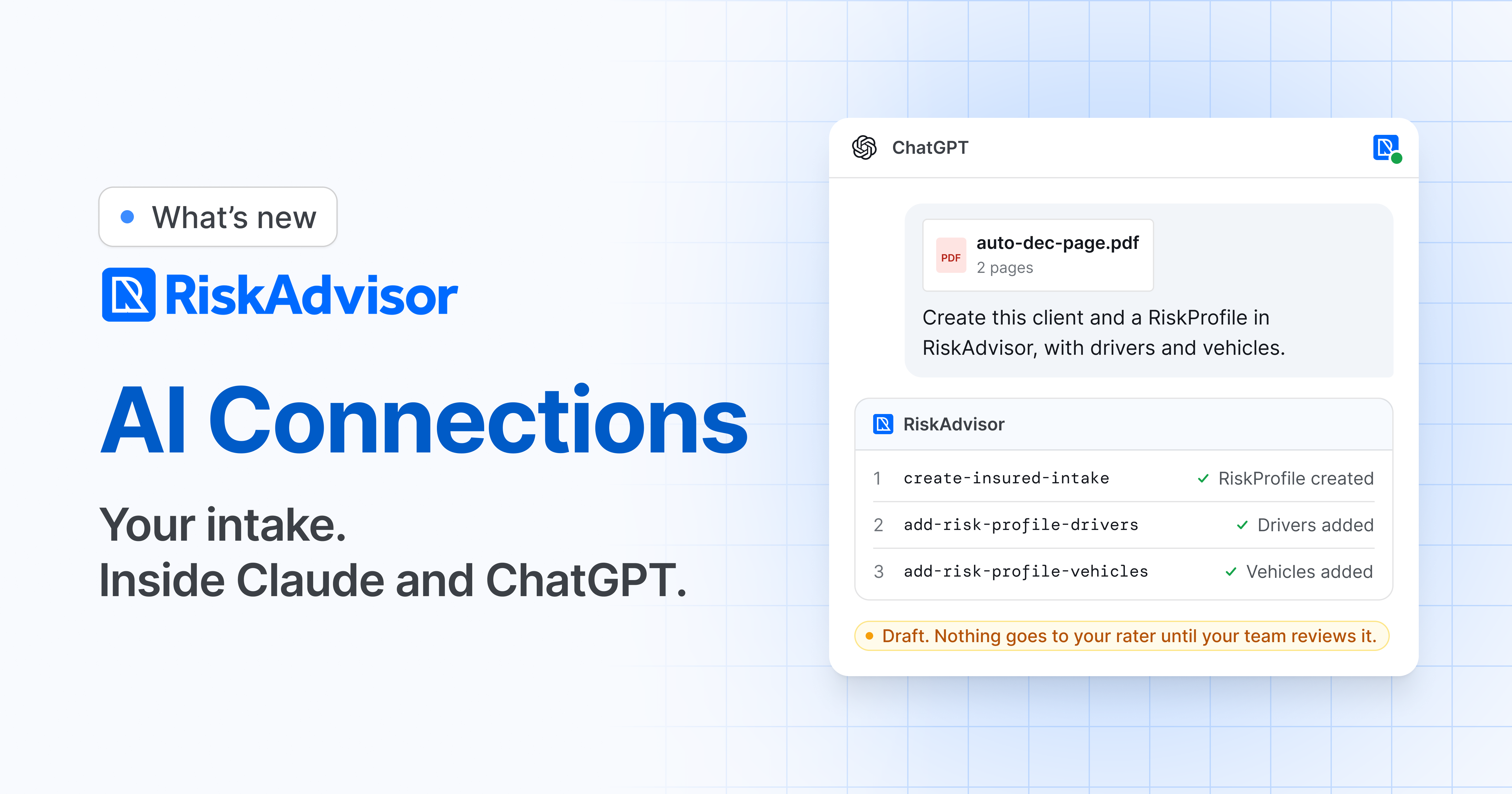
AI Connections is live. Connect Claude, Claude Code, ChatGPT, or another MCP client straight to RiskAdvisor, and ask your AI assistant to pull up a client, review a RiskProfile, or draft a new intake without leaving your chat.
What your AI can do
A connected AI client gets 21 tools for working with your RiskAdvisor data:
Look up clients, RiskProfiles, policies, and call-in quotes
Create and update clients and RiskProfiles, including adding drivers and vehicles
Add notes to a RiskProfile and switch between the teams you belong to
Anything your AI creates stays a draft. It will not reach your integrations until someone on your team finishes it and sends it from RiskAdvisor.
You stay in control
A team owner or admin turns AI Connections on, decides who may connect, and sets exactly what each connected tool can do with agency data. Changes take effect immediately, and revoking a connection cuts off access right away.
Every connected client can read data by default, and only Claude can also create and update records until you change its permissions.
Approved secure services are recognized as trusted; other connections have write access turned off until your agency enables it.
List results mask client contact details, and social security numbers are never returned through MCP.
Get started
An admin enables AI Connections in Settings, then each team member connects their own AI client and approves access through a RiskAdvisor authorization screen.
RiskAdvisor MCP tools and data