July Roundup: PolicyLink 2.0, QuoteForms Updates, Combined PDF options, and other changes!
TL;DR
PolicyLink 2.0 Release & Webinar
Combined PDFs for RiskProfiles
QuoteForms UI/UX Changes
Summary Email Options
Editable PolicyLinks
Additional Submission Emails for QuoteForms
Lots of Minor Improvements & Bug Fixes
PolicyLink 2.0 & Webinar 🔗
We’ve released a new version of PolicyLink we’re calling PolicyLink 2.0! Partnering with MeasureOne, we’re bringing even more data and streamlining policy and dec page collection.
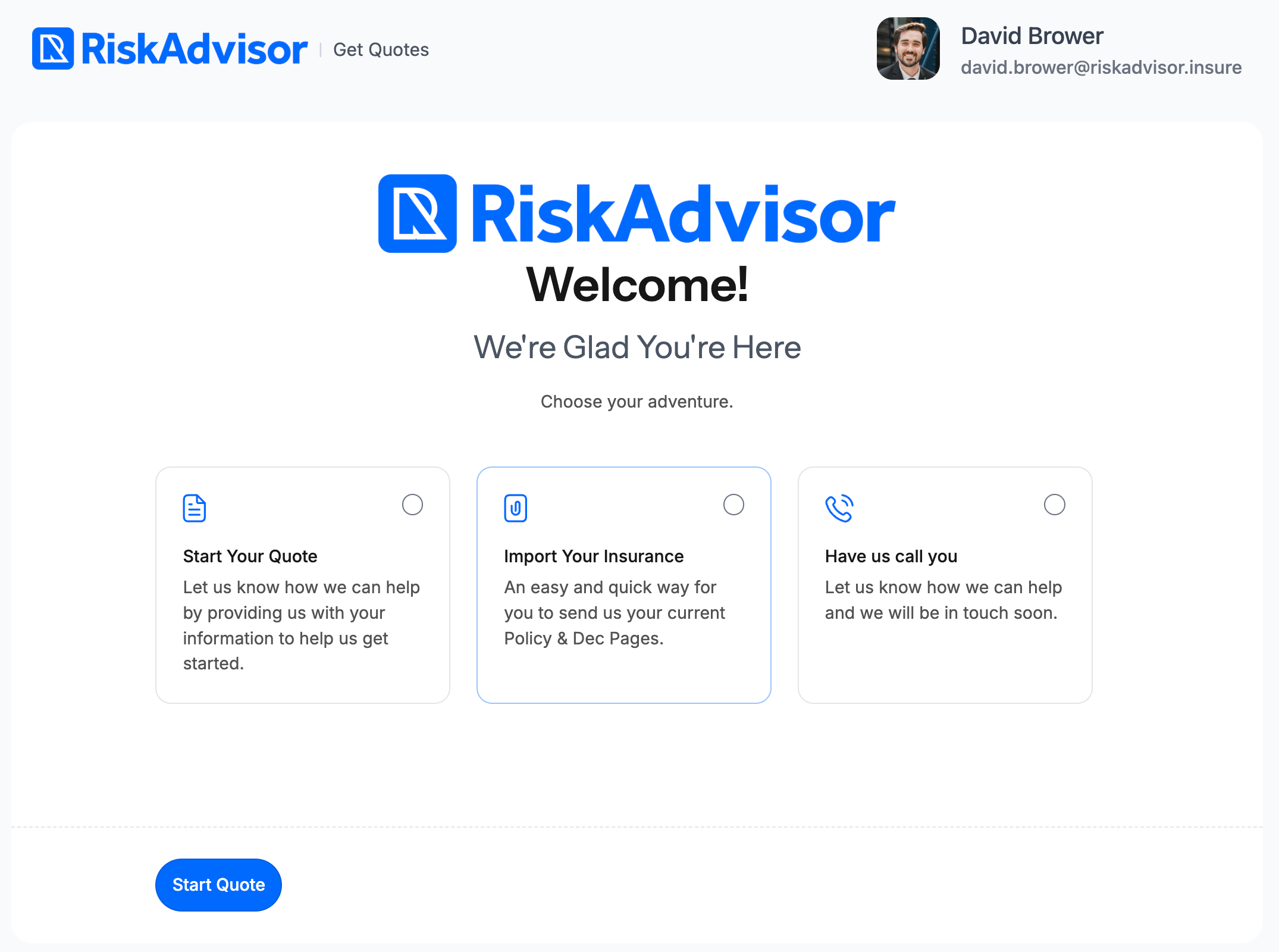
Embedded QuoteForms with PolicyLink as the center option
Users have the choice to upload their own documents or log into their carrier portal for automatic document retrieval, creation of a RiskProfile, and pre-filling their insurance information.
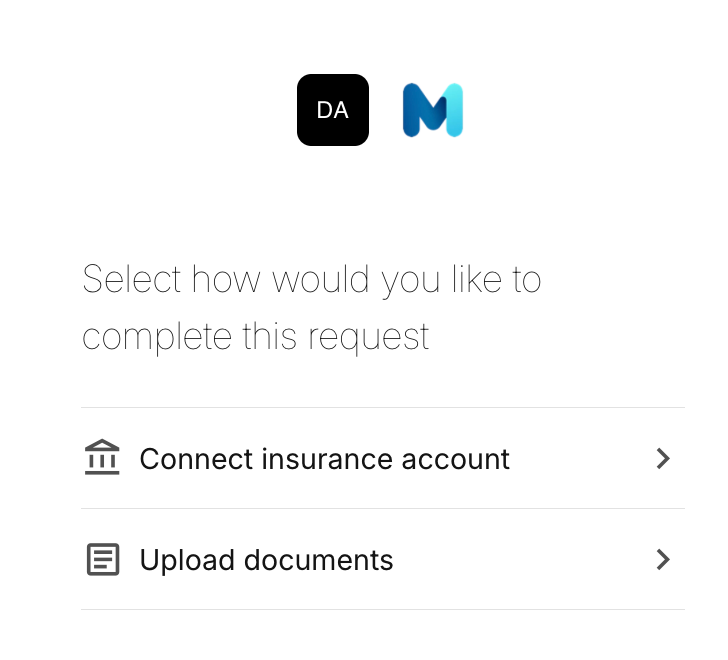
If you’d like to learn more about PolicyLink 2.0, register for the PolicyLink 2.0 Webinar
Check out the PolicyLink Help Guide for more information
Combined PDFs for RiskProfiles ➕
Now you can view all your PDFs as one document instead of separate downloads from the three dot menu contained on the RiskProfile card. Clicking “View Full PDF” will open up a combined document with all lines of business and details contained.
Note: PDFs stack in this order: Home, Auto, Umbrella, and Notes
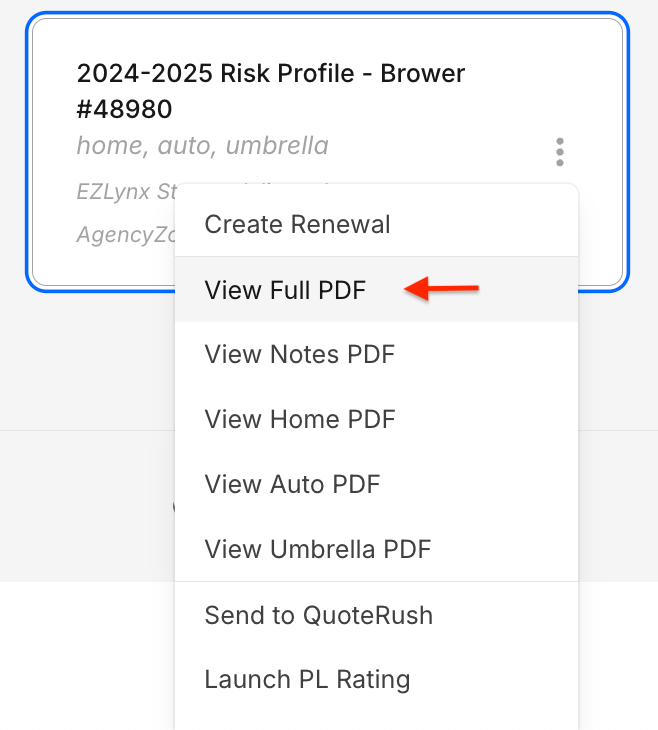
“View Full PDF” Option
QuoteForms UI/UX changes 🎨
QuoteForms now support many more hexcode colors to better match your agency branding. Icons and major buttons will now clearly represent the color choices in your agency settings page with updated design language.
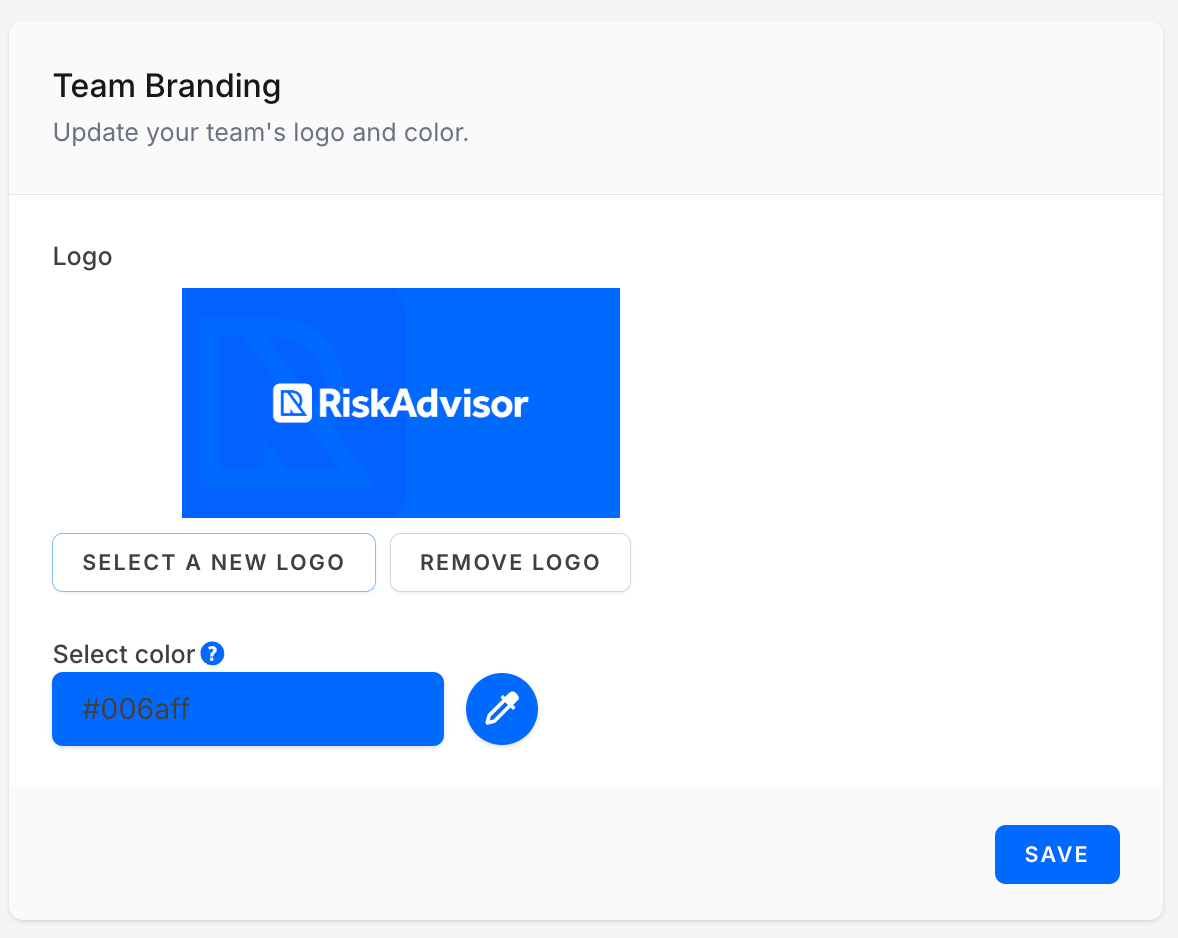
Team Branding under the “Settings” page
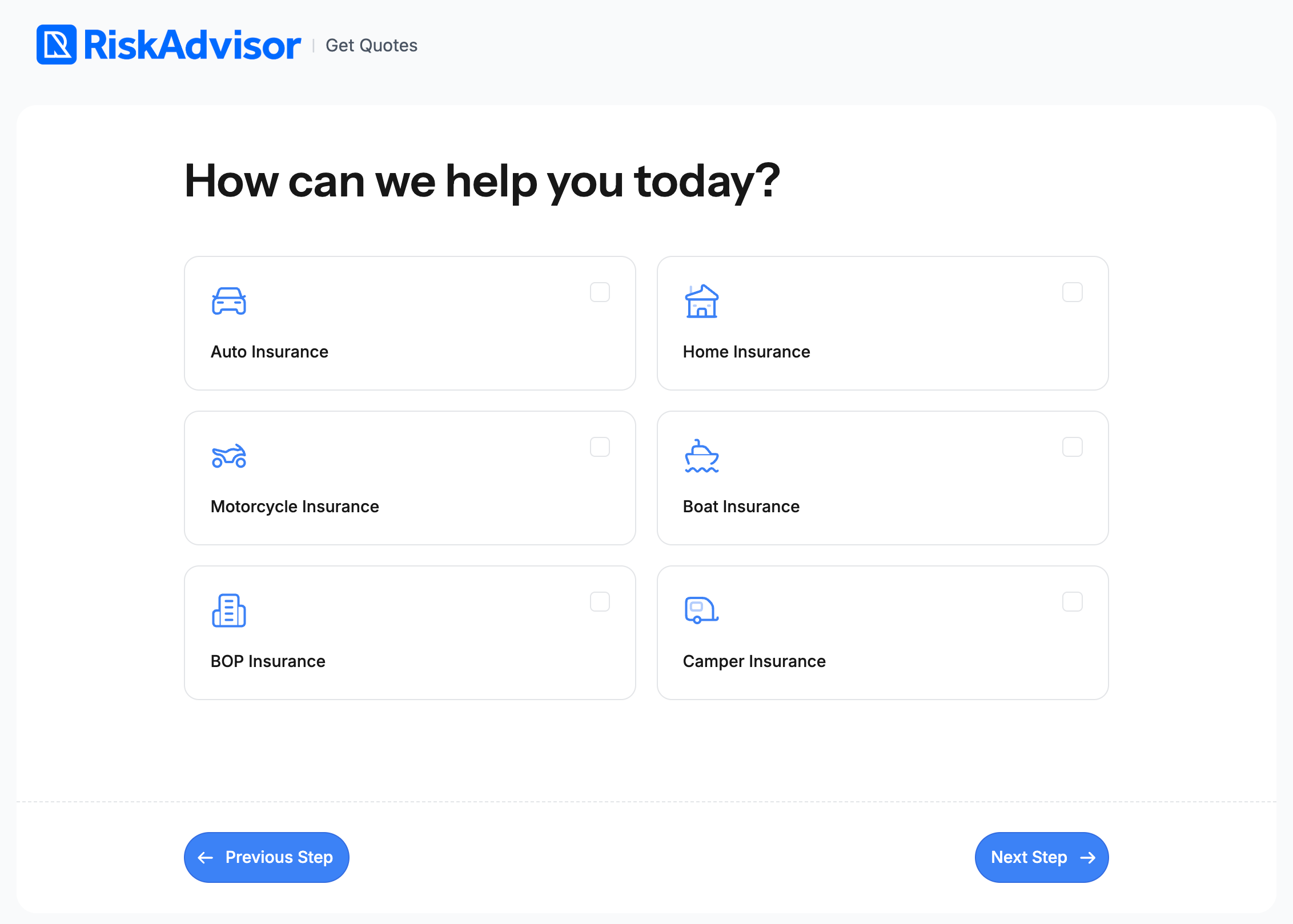
New icons, flat buttons, and color matched to selections in Team Branding settings
Summary Email Options 💬
Admins can now control for the agency whether or not to send Summary Emails when RiskProfiles are submitted. As an Admin, go to Settings → Agency Settings → Summary Email to change your preference.
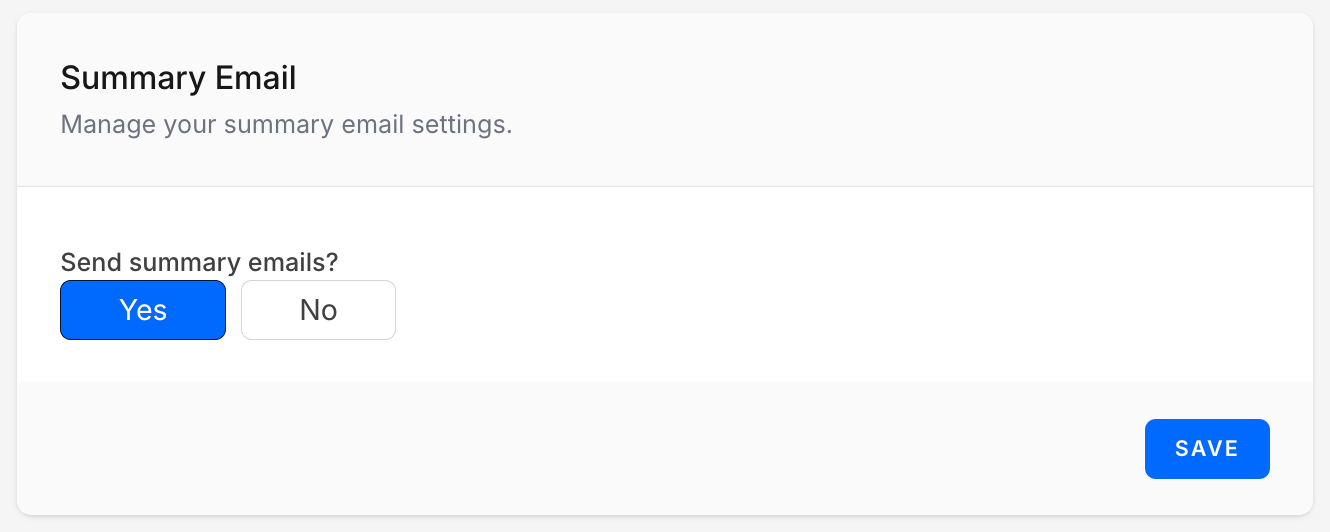
Summary Email Options in the “Agency Settings” page
Editable PolicyLinks ⛓️
PolicyLinks can now be edited - Click the gear icon under your PolicyLink dashboard to view submissions and edit options for each PolicyLink
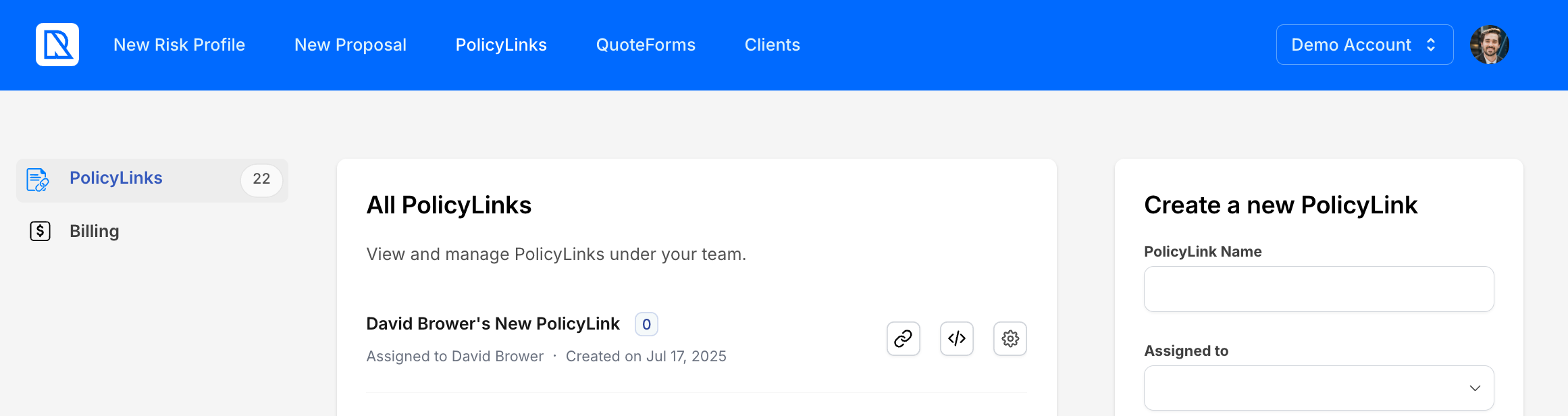
PolicyLink management screen
Additional submission emails for QuoteForms 📝
Users can now set additional emails the receive submission emails in the QuoteForm settings page. Go to QuoteForms → Settings (Gear Icon) → “Send Submission Email to” and then select the emails you’d like to send submission emails to.

Submission recipient options in QuoteForm Settings
Minor Improvements 📈
UI improvements on the search fields for Applicant and Co-Applicant on RiskProfiles
Document handling for PolicyLink 2.0 adjusted to handle all available items
Icons in QuoteForms updated to new design standards
Form Abandonment emails now include “Address” and “Selected Lines of Business”
Settings for “Require All Fields” Questions are now copied when duplicating a QuoteForm
Full-time rentals are now able to be sent to EZLynx from RiskAdvisor. Policy Type will be need to be chosen in EZLynx to proceed
Updated the icons on the vehicle and driver sidebars in QuoteForms
Updates to logo sizes on QuoteForms to improve UI/UX for mobile and desktop
Larger file attachments are now accepted on RiskProfiles above 5 MB
Bug Fixes 🐞
Fixed an issue with RiskAdvisor freezing on certain RiskProfiles
Fixed an issue with the scrollbar appearing in Windows versions of QuoteForms
Plus other minor fixes
Facebook User Group 🖥️
Join our Facebook User Group so that we can collaborate and help each other together.
Please join our User Group by following this link: RiskAdvisor User Group
What should we do next? 🚀
We know how important it is to build what you need so we are asking for you to actively vote for what you'd like to see us build next for RiskAdvisor! We are getting close to being able to focus on exactly what you vote on.
And guess what? You can upvote current requests or add new requests without even having to create an account!
Here are some items you can vote for or you can see everything up for vote here: RiskAdvisor Feedback
As always, if you have questions for us, please chat with our support team or visit 📖 Help